WhatsApp is a popular communication channel for businesses that want to connect with customers, provide support, and share updates. For companies that need structured messaging, automation, and software integrations, the WhatsApp Business Account (WABA) is an important part of the WhatsApp Business Platform.
In this guide, you’ll learn what WABA is, how it works, its key benefits, and what to check before setting it up.
What Is WABA?
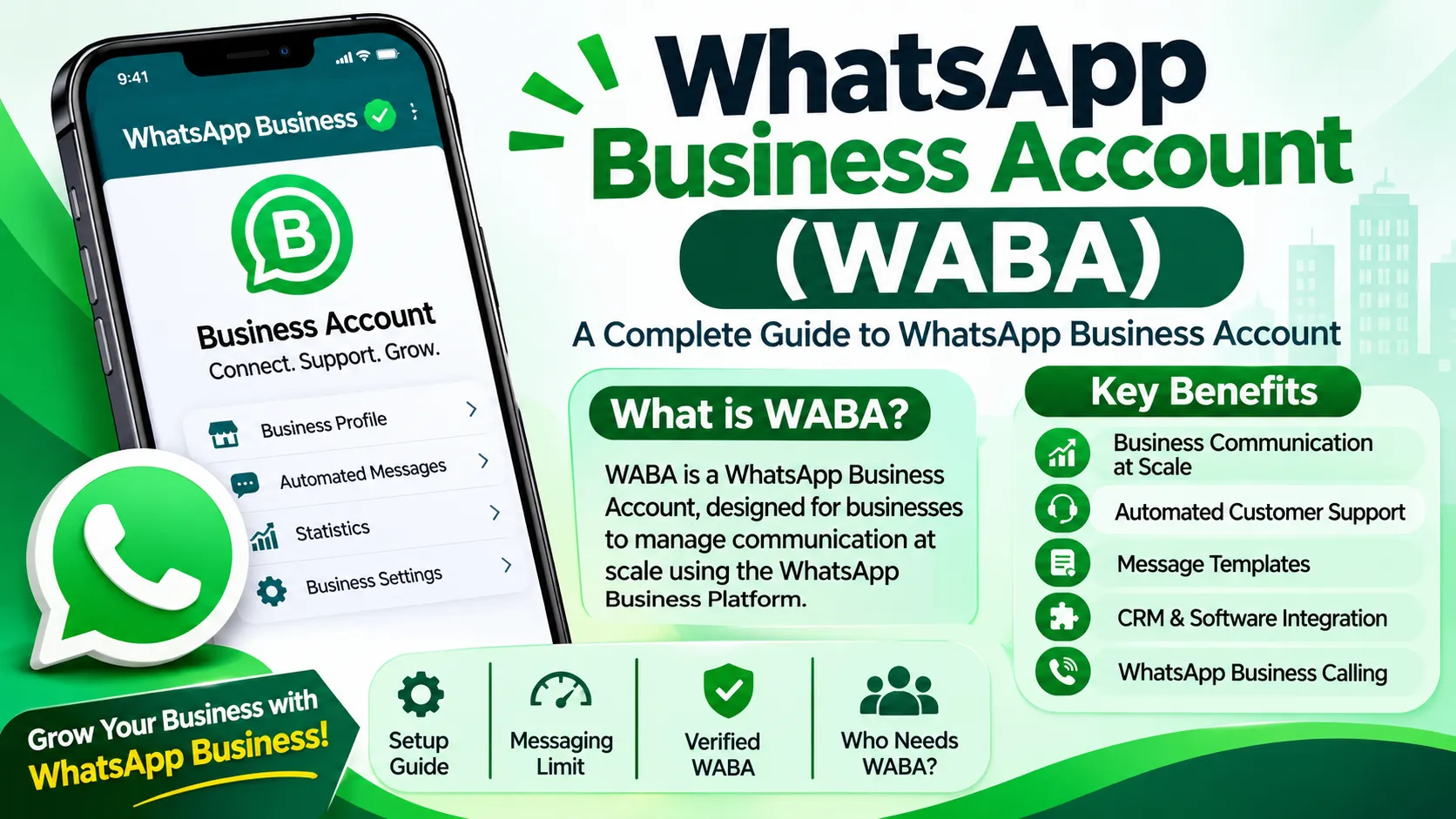
WABA stands for WhatsApp Business Account. It is an account in Meta’s WhatsApp Business Platform that businesses use to manage their WhatsApp Business API setup, phone numbers, messaging templates, and business communication.
Unlike the standard WhatsApp app, the WhatsApp Business Platform is designed for businesses that need features such as API integration, automated workflows, and team-based customer support.
Businesses can access the platform through the WhatsApp Cloud API or an eligible Business Solution Provider (BSP).
How Does a WhatsApp Business Account Work?
A typical WABA setup includes several components:
Meta Business Portfolio: Holds the business information and associated assets.
WhatsApp Business Account: Connects the business to the WhatsApp Business Platform.
Phone Number: A number is registered for use with the platform.
Display Name: The business submits a display name for review under Meta’s requirements.
API Integration: The business connects the API to a CRM, website, or customer support system.
After setup, businesses can manage customer conversations and use supported automation and integration features, subject to Meta’s policies.
Key Benefits of WABA
1. Customer Messaging at Scale
WABA helps businesses manage customer communication through the WhatsApp Business Platform. It can be useful for companies with growing customer support or messaging needs.
2. Automated Customer Support
Businesses can connect chatbots and automated workflows to answer common questions, share updates, and route conversations to the appropriate team.
3. Approved Message Templates
Businesses can use message templates for eligible business-initiated conversations. Templates must follow Meta’s approval process and messaging policies.
4. CRM and Software Integration
The WhatsApp Business API can be integrated with CRM platforms, customer service tools, and other business systems to help organize customer conversations.
5. Incoming and Outgoing Messages
Businesses can receive customer messages and send eligible messages through their API integration, subject to the platform’s rules.
6. WhatsApp Business Calling
WhatsApp Business Calling API may be available to eligible businesses in supported markets. Availability and setup requirements depend on Meta’s current policies.