Verified Business Manager vs. Meta Business Suite

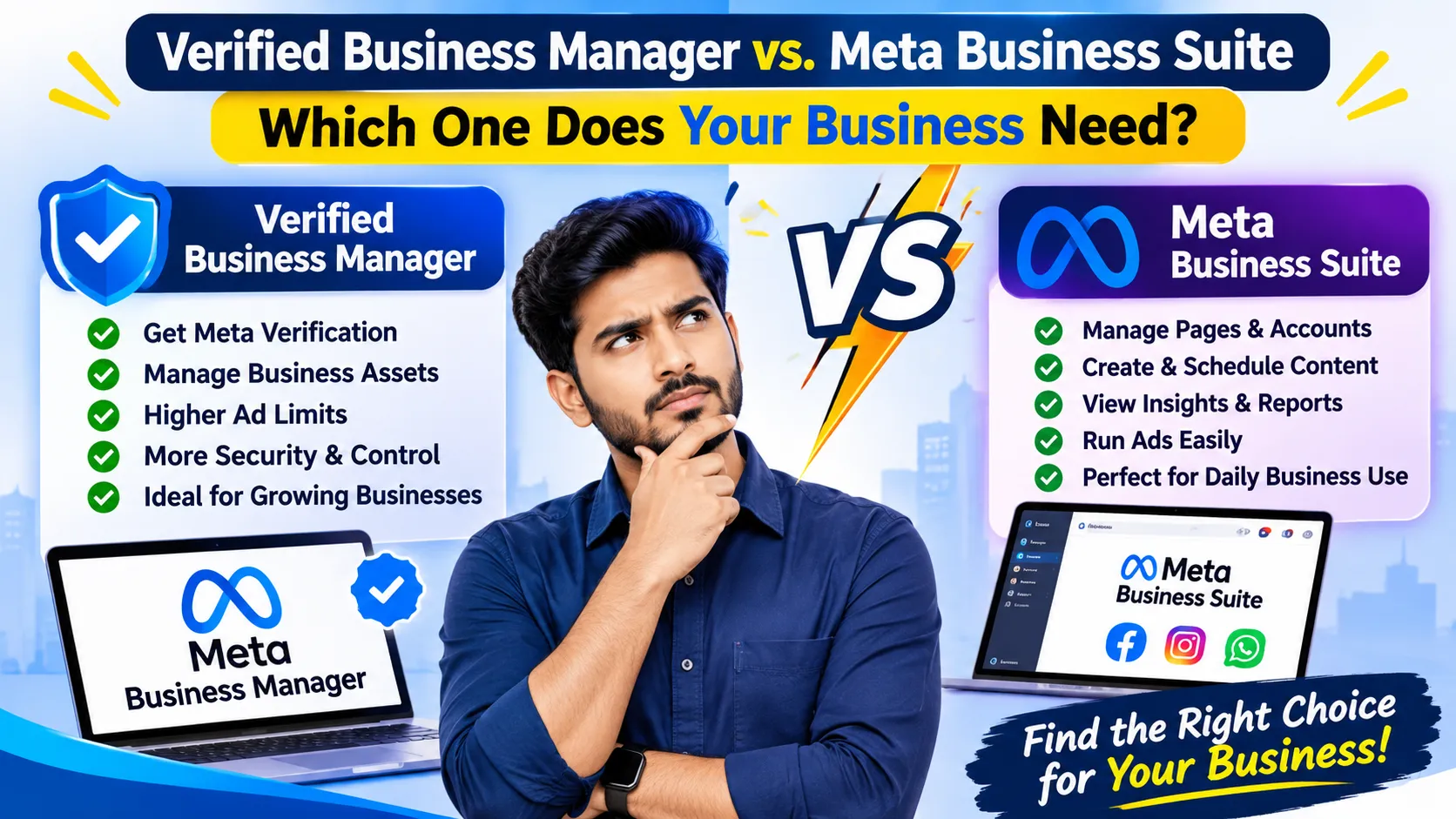
Verified Business Manager vs. Meta Business Suite: Which One Does Your Business Need?

Verified Facebook Business Manager and Meta Business Suite Guide

Verified Business Manager vs. Meta Business Suite: Which One Does Your Business Need?

In today's digital landscape, Facebook and Instagram are indispensable tools for building brand presence, engaging customers, and boosting sales. However, efficiently navigating Meta’s extensive ecosystem requires the right tools and account structure.

Two essential terms every business owner and digital marketer should understand are Verified Business Manager (Verified BM) and Meta Business Suite.

While both are integrated within Meta’s ecosystem, they serve distinct operational functions:

  • Verified Business Manager establishes and confirms your corporate identity with Meta.

  • Meta Business Suite acts as your day-to-day command center for managing Facebook and Instagram activities.

Here is a comprehensive breakdown of how these tools work, their key differences, and how leveraging both can streamline your online operations.

What Is a Verified Business Manager (Meta Business Portfolio)?

A Verified Facebook Business Manager (now managed through the Meta Business Portfolio) is a centralized business account that has completed Meta’s identity and business verification process.

Information Required for Verification

During the verification process, Meta requires official documentation to validate your business entity. This includes:

  • Legal Business Name

  • Registered Business Address

  • Official Business Phone Number & Email

  • Business Website URL

  • Registration Documents (Tax ID, Trade License, Incorporation Papers)

Why Is Verification Important?

Completing business verification helps eligible companies gain access to advanced Meta features, specialized API integrations, and higher security tiers.

Important Note: Business verification does not guarantee instant ad approval, unlimited spending limits, or permanent immunity from policy violations. It simply proves to Meta that your entity is real and legitimate.

What Is Meta Business Suite?

Meta Business Suite is an all-in-one management platform designed to streamline daily social media tasks across Facebook Pages and Instagram accounts from a single dashboard.

Core Features of Meta Business Suite

  1. Content Management & Scheduling: Plan, create, schedule, and publish posts, Reels, and Stories seamlessly.

  2. Unified Inbox: Manage customer queries, comments, and direct messages (DMs) from Facebook and Instagram in one place.

  3. Analytics & Insights: Track audience demographics, content performance, and key engagement metrics.

  4. Ad Management: Launch and monitor basic ad campaigns directly from the suite interface.

  5. Team Management & Permissions: Assign roles, access levels, and assets to team members or agencies securely.

Verified Facebook Business Manager Meta Business Suite Meta Business Verification Facebook Business Manager Meta Business Portfolio Facebook Business Tools Meta Business Management

Verified BM vs. Meta Business Suite: What Is the Difference?

Many people think Verified Business Manager and Meta Business Suite are the same thing. However, they have different purposes.

Verified Business ManagerMeta Business Suite
Focuses on business identity verificationFocuses on business management
Confirms eligible business informationHelps manage Facebook and Instagram
Manages business assets and permissionsManages content and messages
May be required for certain Meta featuresProvides social media management tools
Part of Meta's business ecosystemA platform for daily business activities

In simple terms, Verified Business Manager relates to your business identity, while Meta Business Suite helps you manage your social media presence.

Why Do Businesses Need Both?

Using the appropriate Meta business tools can help companies organize their online operations more effectively.

Here are some potential benefits:

1. Professional Business Management

A properly configured Business Portfolio helps businesses organize their Pages, advertising accounts, people, and permissions.

2. Better Social Media Management

Meta Business Suite makes it easier to manage content, messages, and supported business activities from one platform.

3. Organized Business Assets

Businesses can manage access to their digital assets and assign responsibilities to authorized team members.

4. Improved Customer Engagement

With Meta Business Suite, businesses can manage customer interactions and monitor engagement across supported platforms.

5. Access to Eligible Business Features

Business verification may help eligible businesses meet certain requirements for additional Meta tools and services.

Important Things to Know Before Choosing a Verified BM

Before setting up or acquiring a Verified Business Manager, businesses should consider several important factors.

  • Verify that the business information is accurate and legitimate.

  • Make sure the business has appropriate ownership and administrative access.

  • Review existing account permissions and business asset connections.

  • Understand Meta's current business verification requirements.

  • Check whether the features you need are available for your business.

  • Follow Meta's advertising and business platform policies.

Buying or transferring a pre-verified Business Manager may involve ownership and compliance risks. Always confirm that the arrangement is permitted under Meta's current terms.

Completing verification through Meta's official process using your own business information is generally the safest approach.

Leave a Reply

Your email address will not be published. Required fields are marked *